| ❌ | ❌ | ❌ | ❌ | ❌ | ❌ | ✅ |
|---|
Infrared Sensor and Beacon
Each method of this class puts the sensor in a different mode. Switching modes takes about one second on this sensor. To make sure that your program runs quickly, use only one of these methods in your program.
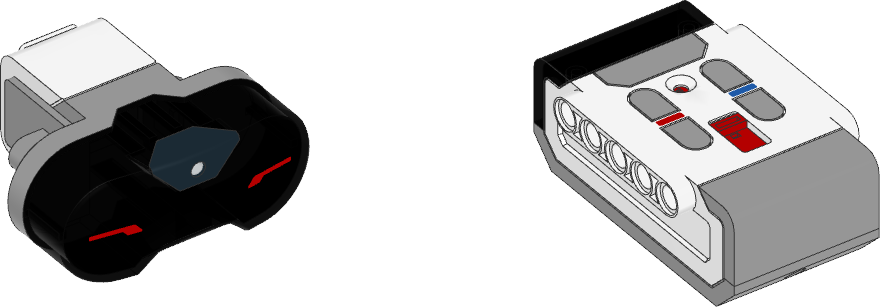
- class InfraredSensor(port)
LEGO® MINDSTORMS® EV3 Infrared Sensor and Beacon.
- Parameters:
port (Port) – Port to which the sensor is connected.
- await distance() int: %
Measures the relative distance between the sensor and an object using infrared light.
- Returns:
Relative distance ranging from 0% (closest) to 100% (farthest).
- await beacon(channel) tuple[int, int]
- await beacon(channel) tuple[None, None]
Measures the relative distance and angle between the remote and the infrared sensor.
- Parameters:
channel (int) – Channel number of the remote.
- Returns:
Tuple of relative distance (0% to 100%) and approximate angle (-75 to 75 degrees) between remote and infrared sensor or a tuple of (
None,None) if no remote is detected.
- await buttons(channel) set[Button]
Checks which buttons on the infrared remote are pressed.
This method can detect up to two buttons at once. If you press more buttons, you’ll still get just two buttons.
- Parameters:
channel (int) – Channel number of the remote.
- Returns:
Set of pressed buttons on the remote on the selected channel.